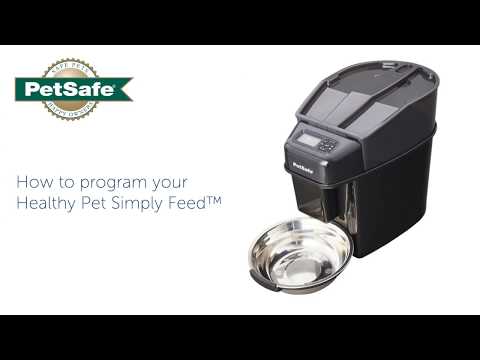
Learn how to program your PetSafe® Healthy Pet Simply Feed™. This video shows you how to program your feeder after a power loss, or after new batteries are installed. When new batteries are installed, your feeder will enter setup mode. With a little programming, your feeder will be ready for your pet’s next meal.
To learn more about this product, or shop for similar items visit
PetSafe® brand has been a global leader in pet behavior, containment and lifestyle innovations for nearly 30 years. Your pet deserves the best. Trust PetSafe® to help keep your pet healthy, safe and happy.
00:00 Intro
00:17 How to Set the Clock
01:18 How to Schedule a Meal
02:03 Dog or Cat Mode
02:27 User Mode
02:49 How to Change a Meal Time
03:37 How to Add Meals


How do I change the time only? I need to move from standard time to daylight savings time. I can’t find how to do this.
My feeder keeps resetting itself so i have to reprogram this feeder twice a week and its getting old real quick. Anyone know how to fix this?
What do I do if my machine keeps making a loud thumping noise when refilling the belt? I’ve reset the belt twice and I keep running into the same problem
I’ve had difficulty with this feeder, I was trying to set up just one feeding per day, using the USER mode to customize. It seems the user mode automatically has a 2nd meal programmed in (even though it is supposed to be customizable from the start), after setting up the one meal I wanted, I had to click to the 2nd meal and put the time to 12am and zero out the food amount in order to cancel out the second meal. The 2nd meal was auto programmed for 5pm 2 cups — seems like an error when having selected user mode to fully customize.
How do I just change the food amount? Seems like instructions are only from initial setup.